Showing posts with label SketchUp. Show all posts

Friday, August 24, 2007

Model Fight: Maison de Roulement 005

I finally got around to messing with the rolling house for a few minutes today, but most of the stuff was housekeeping and minor updates.


I've come to the conclusion that this project is over in its current incarnation. Why? Multiple reasons (for multiple stories (oh, delicious puns)):

1. Scale: I started out eyeballing the scale of all the objects and not using anywhere close to accurate measurements. If I ever try to do something with another prop or model I would be asking for some work getting everything scaled correctly. I'd like to start over using actual scale.

2. Organization: Currently my model is made up of groups of components of components of groups...you get the picture. This isn't exactly SketchUp's fault, as the grouping/componentization can be very useful, but as I started grouping halfway into the project, I didn't plan very well, and SketchUp isn't letting me back out of my decisions gracefully.

3. Rendering: I happen to like the SketchUp output, but there are times when I want more, or at least different, styles. What I have to do is export from SketchUp and import into some rendering package, assign/modify any textures I need and render. If I were working in another package, I could save a few steps. Granted, for my model at this stage, it isn't unbearable.


I'm planning on starting from scratch in either Modo or 3D Studio MAX, both of which we have at work. I'm torn about which package to use, so I might experiment with both and post the results.

Monday, August 13, 2007

Gaming table

A while ago I posted about getting some wargaming miniatures for a game my friends and I play. Well, to say that I "play" it is stretching the truth, as my miniatures are still languishing in an unpainted, unassembled state. But I have watched some games!

Anyway, these games are usually played on a 4'x4', 4'x6' or 4'x8' table with various pieces of terrain/scenery for strategery. I've started making such a table, as I'm more interested in the terrain aspect of the game than the actual playing.

My table is 4'x6' with a plywood top and 1"x4" bracing for stability.


One can stop at this point, drop a cloth over the board or paint it whatever color you want and badda-bing, you have a gaming table. You want a forest? Green felt or paint. Desert? Light brown.

I'd like to go a little farther than this, though. I want to play multiple games on multiple types of boards but limit my storage concerns. My plan is to leave the plywood as is except for some holes cut in it. Around the edge I will have some sort of molding (I already have .25"x2" strips) that will extend up from the plywood about .25" or so. This will form an outer shell.

Next, I will get 4'x6' sheets of that pegboard material (thin MDF or hardboard) but without the holes, and paint each side different colors, appropriate to the terrain on which I would like to game. That board goes into the shell and appropriately based terrain gets placed on that board. Alternatively, I could actually model terrain onto the board (hills, sand dunes, lava cracks, whatever) and the shell would hold that as well. The holes in the plywood will allow me to push up a corner of the MDF board to exchange it.


We'll see how far I get with this project, but it's faster than de-sprueing miniatures! I think my only concern at this point is weight - the plywood made it a little heavier than I expected - and possibly scratching the surface of wherever I rest the table. In a move sure to cause my gaming friends (with armies ready to go) to roll their eyes, I am thinking about getting felt and stapling it to the bottom of the 1"x4" boards so it won't damage our kitchen table.

Friday, June 22, 2007

Model Fight: Maison de Roulement 004

Finally some more work on Maison de Roulement.

I added the walkway around the bottom of the building. There will also be some way to get down to the ground. Also some detail around the front doors and selected a wheel design. The axles are there, but no connecting bits or protection.


I like the way SketchUp lets you have components, and groups, but I've found myself getting into groups of groups of components, and multiple components rolling up into single components, and I haven't found an easy way to absorb parts of models into other components easily, like I'm used to in 3D Studio MAX. It's probably just my workflow.

Friday, May 04, 2007

Model Fight: Maison de Roulement 003

I've been fiddling with the wheel and tire design. I admit that having a traditional inflatable-style wheel borders on the ridiculous for holding up something this heavy, but in the Bizarro World, tire roll on building.


I Photoshopped two layered renderings to show the wireframe - with SketchUp's default rendering it's hard to see the curvature.

Thursday, May 03, 2007

Model Fight: Maison de Roulement 002

I'm working on a window treatment and some artsy effects around the edges.


I was going to put in a scale Letterman Digital Arts Center, but I can't find the model anywhere.

Tuesday, May 01, 2007

Model Fight: Maison de Roulement

I've been thinking about something for the past couple of days. I've had an image in my head about a huge apartment building that's wheeled and rolls around certain places.


I've also been thinking of some backstory to it as well as some ongoing stories about the adventures that some of the residents will have. Who knows, this might turn into a longer project? I just have to make sure I keep it different from the Crimson Permanent Assurance building in Monty Python's The Meaning of Life.

Friday, February 23, 2007

Six Degrees of Freedom!

Yesterday I emailed my manager to see if I could purchase the 3DConnexion SpaceNavigator, a six degrees of freedom (6DOF) controller for 3D applications. I've used 6DOF controllers for a long time, and I love them. Also, at $59, the SpaceNavigator is A SCREAMING DEAL!

An hour or so later my manager stops by my desk and hands me a box - a SpaceExplorer! Very nice!

Uh oh - I'm running Vista. Will it work? I notice that there are Vista drivers on the website. After a quick download and installation it works like a champ in SketchUp. I also was able to load SolidWorks on my system yesterday, so I'll give that a shot.

$59 is truly a bargain for a great piece of hardware. Definitely recommended if you use CAD or DCC applications, Google Earth...even a Mac!

Tuesday, December 12, 2006

VRay for SketchUp

I downloaded the beta for the VRay rendering plugin for SketchUp. Below you will see the result of just loading and a one-click render.

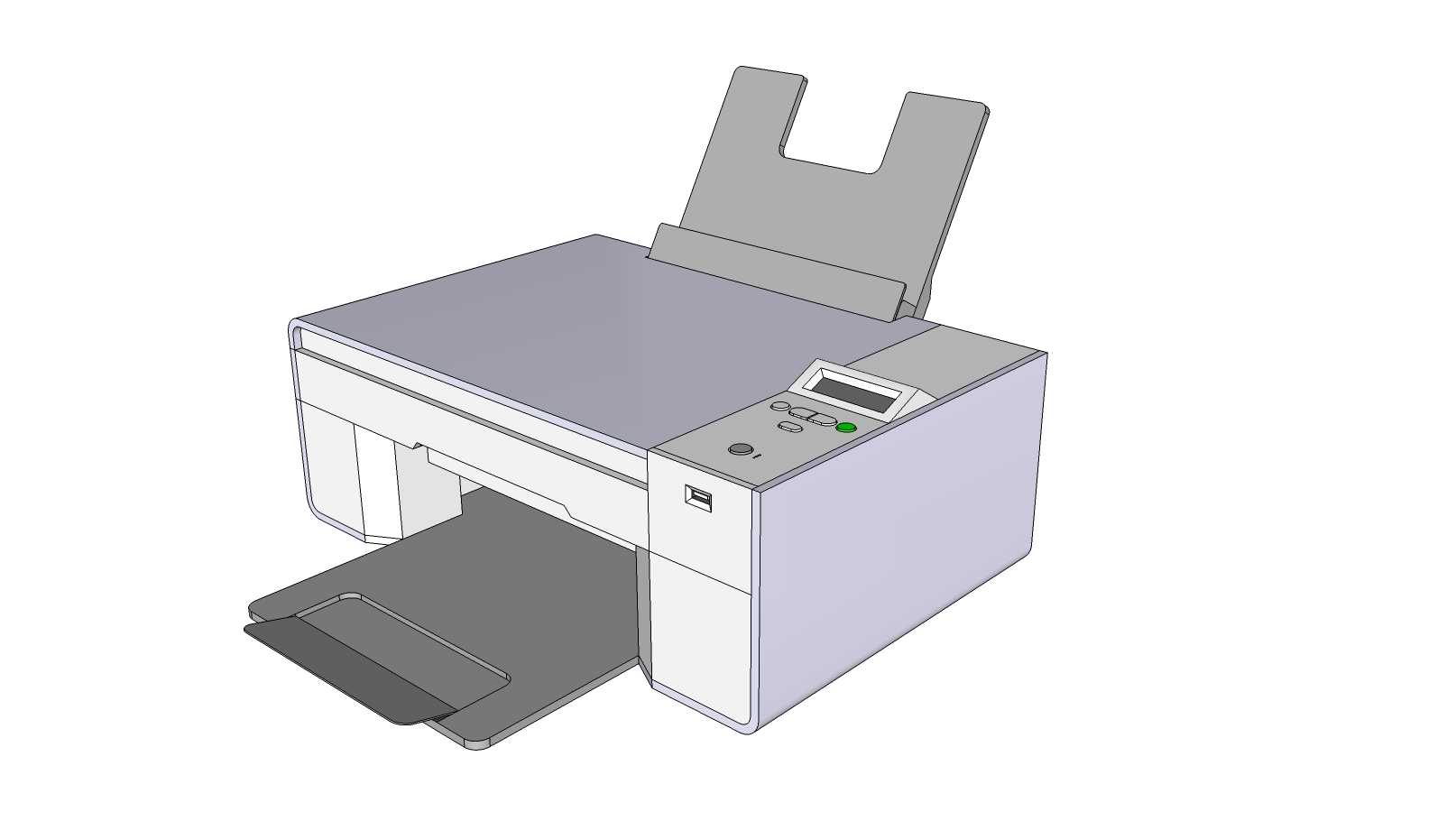
I haven't had a chance to fiddle with materials at all, and the shadows are from SketchUp's shadow configuration. Rendering was pretty quick, but this is a simple scene of one of my printers. The blob on the top left is the beta version watermark.

VRay is a high-end renderer, and this is good news for SketchUp fans. There are definitely some competing renderers that are used heavily by the SketchUp community, but it's a good sign that SketchUp is taken seriously enough for a renderer of this caliber.

Tuesday, June 13, 2006

Google SketchUp

Spaghetti and I were talking about 3d modelers. The programs, not the people pushing the pixels. He's a little bit Maya, I'm a little bit 3D Studio MAX.

A program that I've been playing with is SketchUp. It's a CAD/Rapid Prototyping/visual design/architecture/whatever application of which I've really grown fond. But what's this? It's interface isn't as f'ed up as Maya. It's modeler doesn't have the options of MAX's modeler. It's renderer doesn't look as good as Lightwave or Mental Ray. Wait - it doesn't even have a renderer.

So why do I like it so much? The interface is clean and I can work very quickly in it. To me, modeling in it is very intuitive. I'm nowhere near Stephen in it, who is actually using it to make money, but I'm getting there.

Google "recently" bought SketchUp, presumably to speed the generation of 3d content to the Google Earth plugin, and being Google, they've released a free version. It's basically stripped down version, but for what I do (model, export to jpg), it's fine. Try it here.

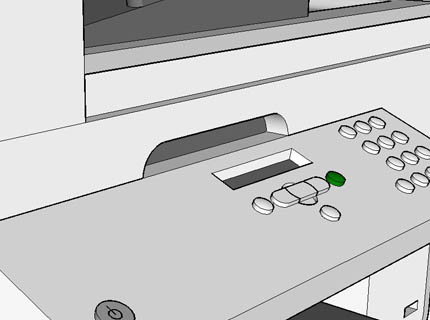
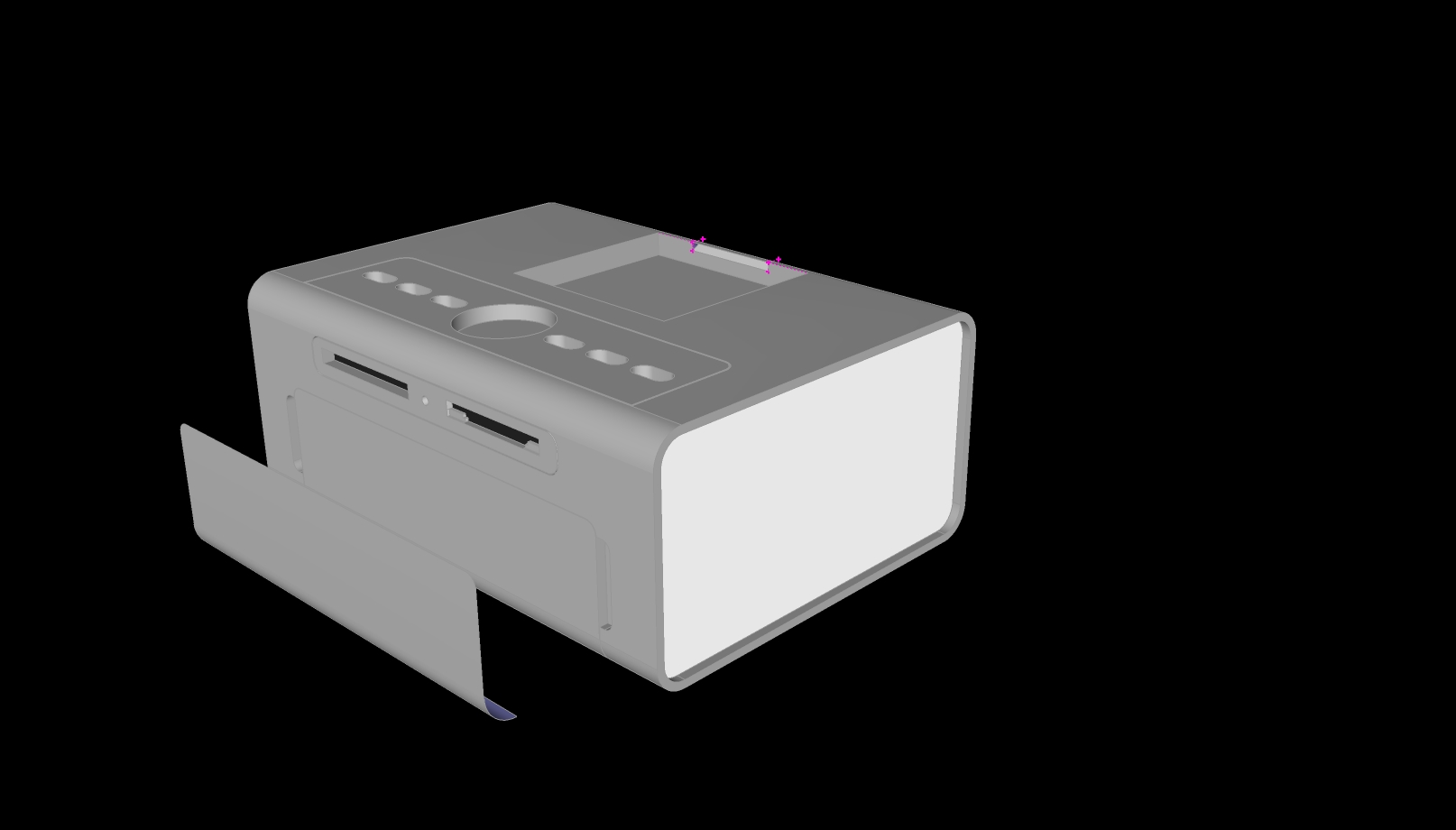
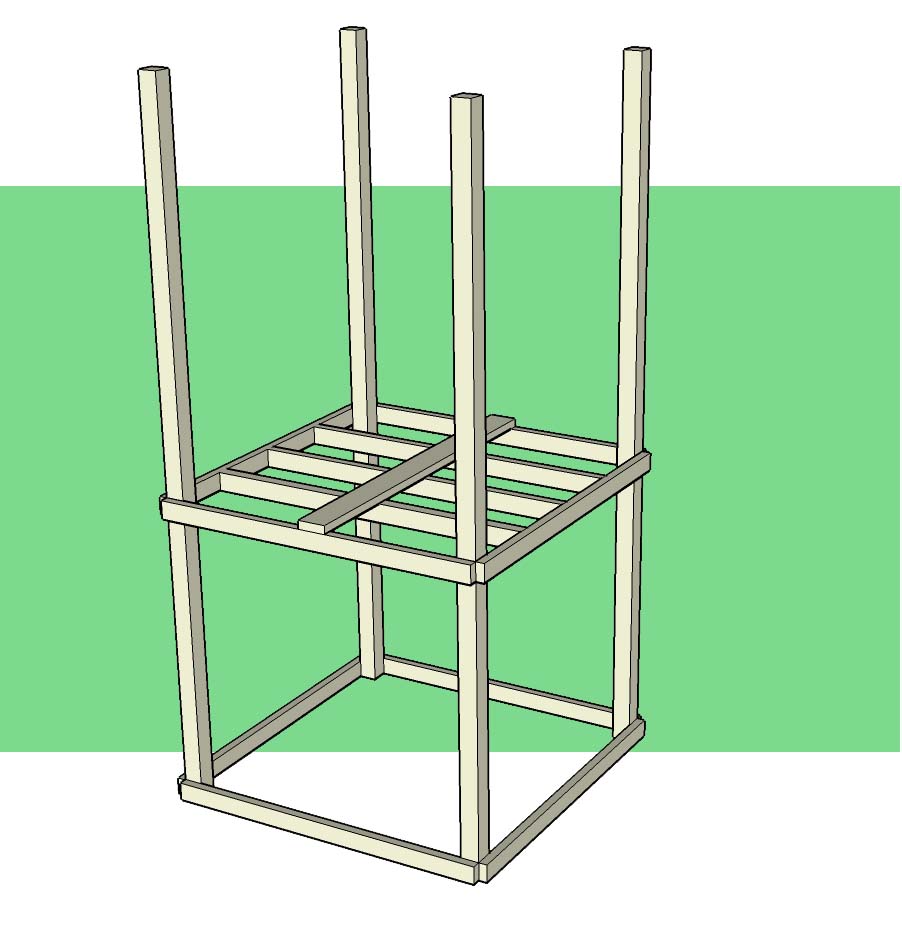
I've attached a few things I've done. I mainly use it for patent artwork, and some stuff I can't post yet, but here are some tidbits.


This is for a front page of a patent presentation I gave our group in Singapore.


This is a work in progress for our photo printer.


Here is when I was fiddling around with the skeleton for the playscape that we are building for our boys. The parts are all to spec re: actual lumber measurments.